Introduction – Why This Is Not Just a Family Issue
Children’s cybersecurity is not only about protecting their personal privacy.
In the era of remote work and hybrid workplaces, unsafe online behavior by children can create a direct risk to company data.
A real-world example:
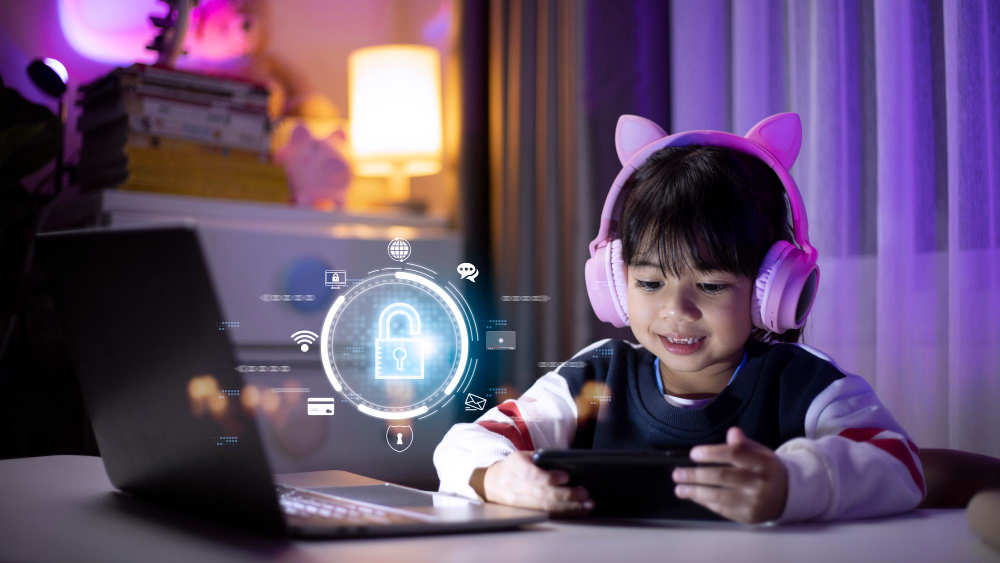
An employee works from home on a company laptop and, after finishing work, briefly lends it to their child to play a game or watch videos. One click on a fake link is enough for malicious code to infect the device and potentially compromise the corporate network as well.
The Most Common Online Threats for Children (and Companies)
1. Cyberbullying and Online Predators
Children may become targets of attacks on social media or in online games, often without their parents’ knowledge. Attackers may gain access to personal and family information.
💡 Business impact:
If a child uses a company device, attackers may gain access to stored login credentials.
2. Clicking Dangerous Links
Games and online videos often contain advertisements or links leading to fraudulent websites.
💡 Business impact:
Malware downloaded through such links can spread through the home network into corporate systems (VPNs, shared drives, etc.).
3. Downloading Unverified Applications and Files
Children often install games or programs from unofficial sources.
💡 Business impact:
Such files may contain malware, keyloggers, or ransomware.
4. Sharing Personal and Family Information
Children often do not realize how easily they can reveal their address, school, or their parents’ workplace online.
💡 Business impact:
Attackers can use this information for targeted phishing attacks against employees and companies.
How to Protect Children (and Your Company) While Working from Home
1. Separate Work and Personal Devices
- Company laptops should be used exclusively for work.
- Children should have their own devices for games and entertainment.
2. Secure the Home Network
- Set a strong Wi-Fi password and change the default credentials provided by your ISP.
- Regularly update your router firmware.
- Create a separate guest or children’s network.
3. Use Parental Controls
- Enable features that block inappropriate content and applications.
- Monitor screen time and the apps children use.
4. Educate Children
- Explain why they should never click unknown links.
- Teach them the basics of personal data protection.
- Discuss real examples of online threats with them.
How 4CyberCity Helps
Although the 4CyberCity e-learning platform primarily focuses on employee cybersecurity training, it also:
- teaches safe online behavior that employees can pass on to their children,
- demonstrates realistic scenarios involving scams, phishing, and social engineering,
- helps build security habits that work both at home and in the workplace,
- provides certificates of completion with QR codes and metadata for verification purposes.
Conclusion – Home Security Is Part of Corporate Security
Cybersecurity is not only a corporate issue.
A safe home environment means lower risk for employees and their employers.
Companies that educate employees about cybersecurity topics related to home environments are better protected against threats that begin outside the office.
📞 Try the 4CyberCity demo and help your people protect not only company data, but also their families.